Mirro
See it on your TV first
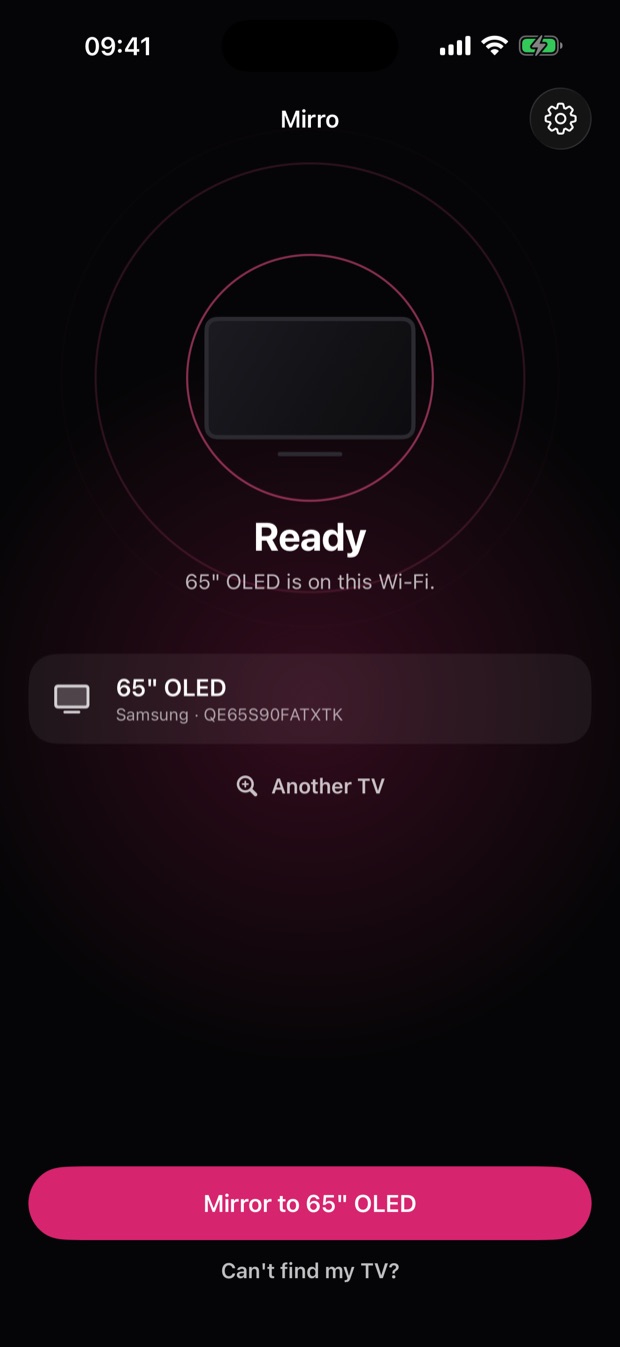
Mirro finds your smart TV on your Wi-Fi by itself and puts a test picture on it, so you know it works before you pay. Then your whole screen goes to the TV, with sound. No cable, no receiver app, no account.
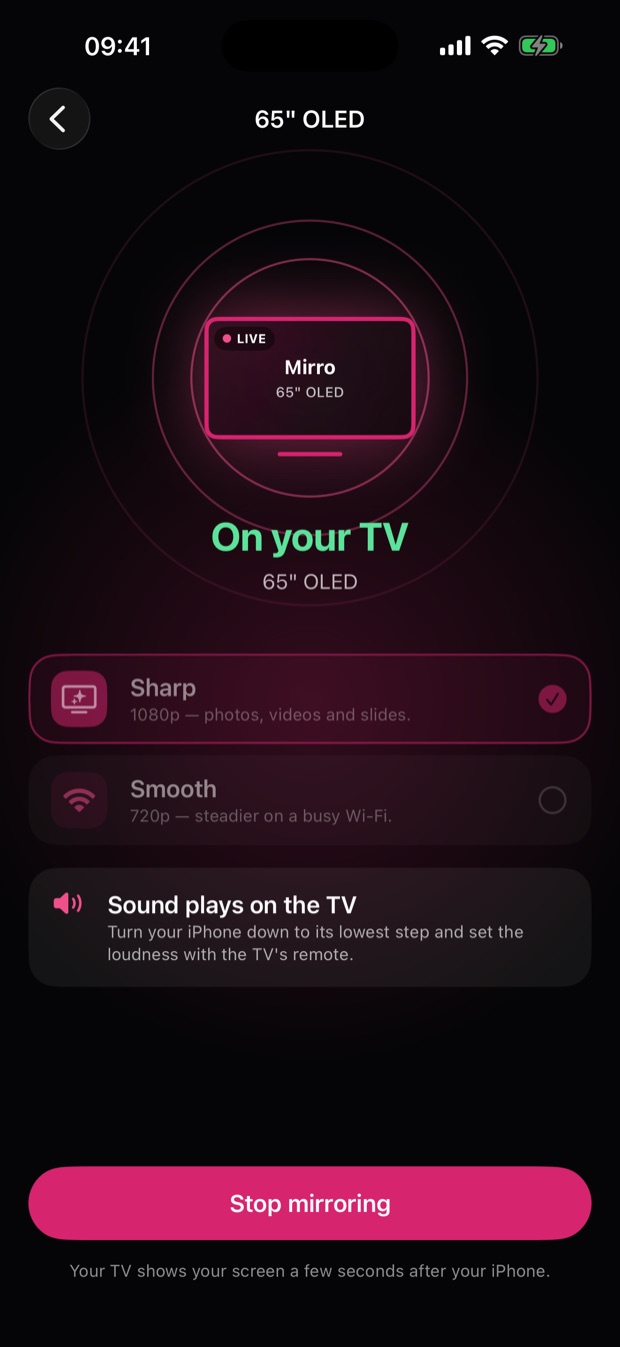
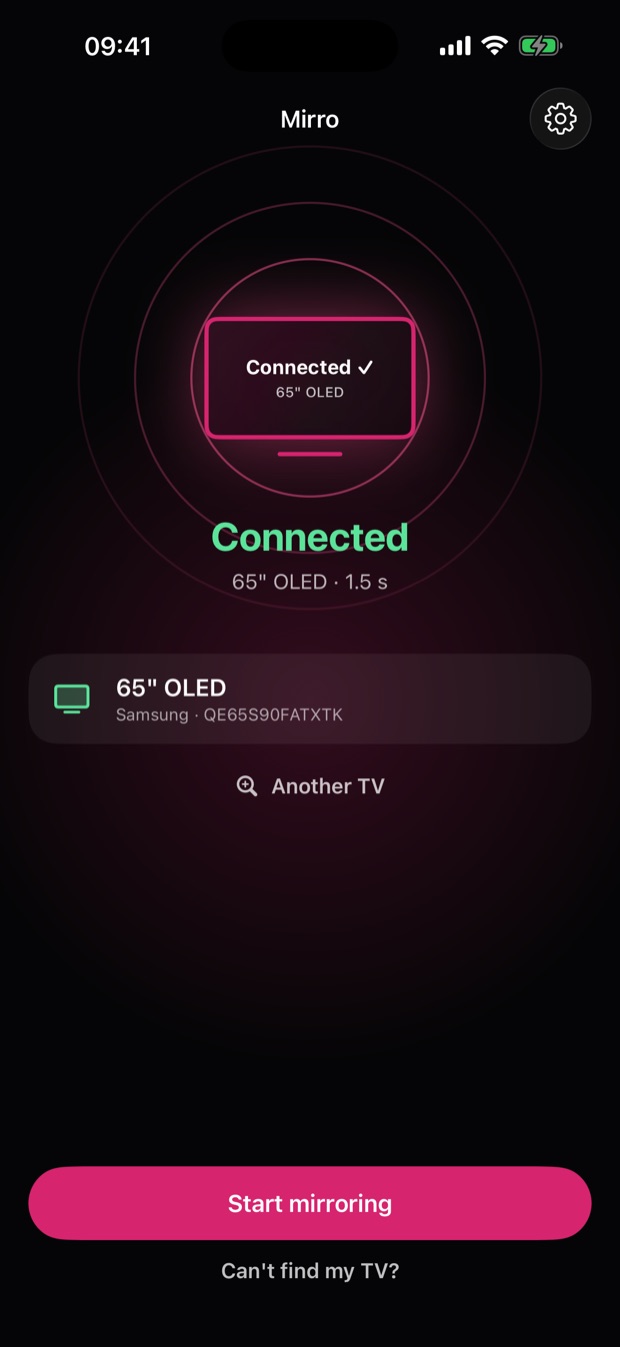
What it does, in three screens
No cable and nothing to install on the TV: your iPhone and your TV only need to be on the same Wi-Fi.
More in the app
Works with DLNA TVs
Most smart TVs speak DLNA, the standard Mirro uses to play your screen through the TV's own player, with no receiver app to install. The free test picture tells you whether yours does.
Honest about the delay
The TV shows your screen a few seconds after your iPhone. That is fine for photos, videos and presentations, and it is why Mirro is not sold for fast games.
Help that tells you what to check
When a TV does not answer, a plain checklist says what to try, and a connection log you can send us with one tap shows what went wrong.
Your data stays yours
The picture goes straight from your iPhone to your TV over your own Wi-Fi, never through a server. No account, no ads, and no tracking across other apps or websites.
- To find your TV, Mirro asks the devices on your Wi-Fi what they are. The answers stay on your iPhone.
- RevenueCat records how far the first screens and the purchase screen got, and Apple and RevenueCat record a purchase. Neither ever sees your screen.
Finding your TV and putting the test picture on it are free, so you see it working before you pay. Mirroring needs Mirro Pro, and the yearly plan opens with a 3-day free trial.
Mirror your whole screen to your TV, with sound, in Sharp 1080p or Smooth 720p, yearly, monthly or once for life.
You might also like

See the dividends your shares actually pay you, after withholding tax, in your own currency.

Every subscription in one place, your true monthly and yearly spend, and each renewal before it hits.

Scan a passport, licence or insurance card once. Renewo reads the expiry date and reminds you in time.